
Pac-Audio AP4-GM81 Amplifier Integration Interface for Select 2023-2026 Chevrolet with BOSE A2B Factory Amplified Systems


Free 2-5 Day Shipping for all USA Orders $50 or more!
Free 2-5 Day Shipping for all USA Orders $50 or more!

Sign up today and we'll send you a 10% discount code towards your first purchase.
The AP4-GM81 provides a 6-channel pre-amp output for use with aftermarket audio equipment. The AP4-GM81 delivers a variable 5v RMS pre-amp output with fading, balance, equalization, and level control capabilities.
The module retains all audio from other vehicle features such as factory navigation prompts, Bluetooth, OnStar, and parking sensor chimes. A data controlled remote amplifier turn on wire is provided by the AP4-GM81. The module provides a variable 2-channel fiber optic digital audio output (TOSLINK).
AmpPRO Amplifier Integration Interface for Select 2023+ General Motors Vehicle Models with BOSE A2B Factory Amplified Systems.
Features:
NOTE: The factory amplifier must be unplugged or removed when installing AP4-GM81.
| Year(s) | Make | Model | Compatible feature(s) | Not compatible feature(s) |
|---|---|---|---|---|
| 2024-2025 | CHEVROLET | BLAZER EV | With BOSE | Without BOSE |
| 2023-2025 | CHEVROLET | COLORADO | With BOSE | Without BOSE |
| 2024-2025 | CHEVROLET | SILVERADO EV | With BOSE | Without BOSE |
| 2025-2026 | CHEVROLET | SUBURBAN | With BOSE | Without BOSE |
| 2025 | CHEVROLET | TAHOE | With BOSE | Without BOSE |
| 2024-2026 | CHEVROLET | TRAVERSE | With BOSE | Without BOSE |
Shipping Policy
DBs Car Audio is proud to offer fast & free shipping on all items listed in our store!!
Shipping Methods and Transit Times
DBs Car Audio ships orders from our Kissimmee, Florida location. On occasion, orders will be fulfilled directly by the manufacturer or distributor in order to reduce the shipping time..
Order Tracking
Once an order has been shipped, we send our customers an email with the tracking number for the order. Click on the tracking link in the email to follow the location of the package on the carrier's website. If you did not receive a tracking number by email or need to confirm the tracking information, please contact call us at 1-800-927-9390
Signature Required
Due to the valuable contents of some shipments, DBs Car Audio will only require a signature upon delivery if the order is over $500. Such guidelines will not be overruled upon the customer's request. Please understand that this is a security measure taken by our Company to ensure the safe delivery of each package and guarantee excellent service. Many of our third-party shipping carriers and payment companies require signatures upon delivery to protect against fraud and theft. Customers may request a signature upon delivery by emailing us at dbscaraudiofl@gmail.com.
Shipping Policy Disclaimer
Delivery estimates do not apply to items shipped directly from the manufacturer, nor out-of-stock items. Some items that ship from the manufacturer can only be delivered to addresses within the 48 continental states.
Standard delivery time for domestic customers will average from 2-4 business days, but can take longer in some cases. Saturday, Sunday and national holidays are not considered business days for delivery purposes.
Our Shipping Guarantee applies only to shipments delayed due to our service failure. We will not guarantee shipments that are delayed due to an act of god (ex: weather), a catastrophic event, or failure by our delivery partners. Our guarantee is also voided if incorrect billing or shipping information is given and results in your order being delayed to its destination. Our guarantee is also void if no one is available to sign for shipment when delivery attempt is made if a signature is required.
© 2025 DB's Car Audio Powered by Shopify
Stay up-to-date about special offers, new releases and more
Awesome product and seller!
Nice copper SMD
Shipped fast and got exactly what I ordered.
Nice hard hitting subs. No complaints on performance
Fast shipping and excellent product
Awesome product and seller!
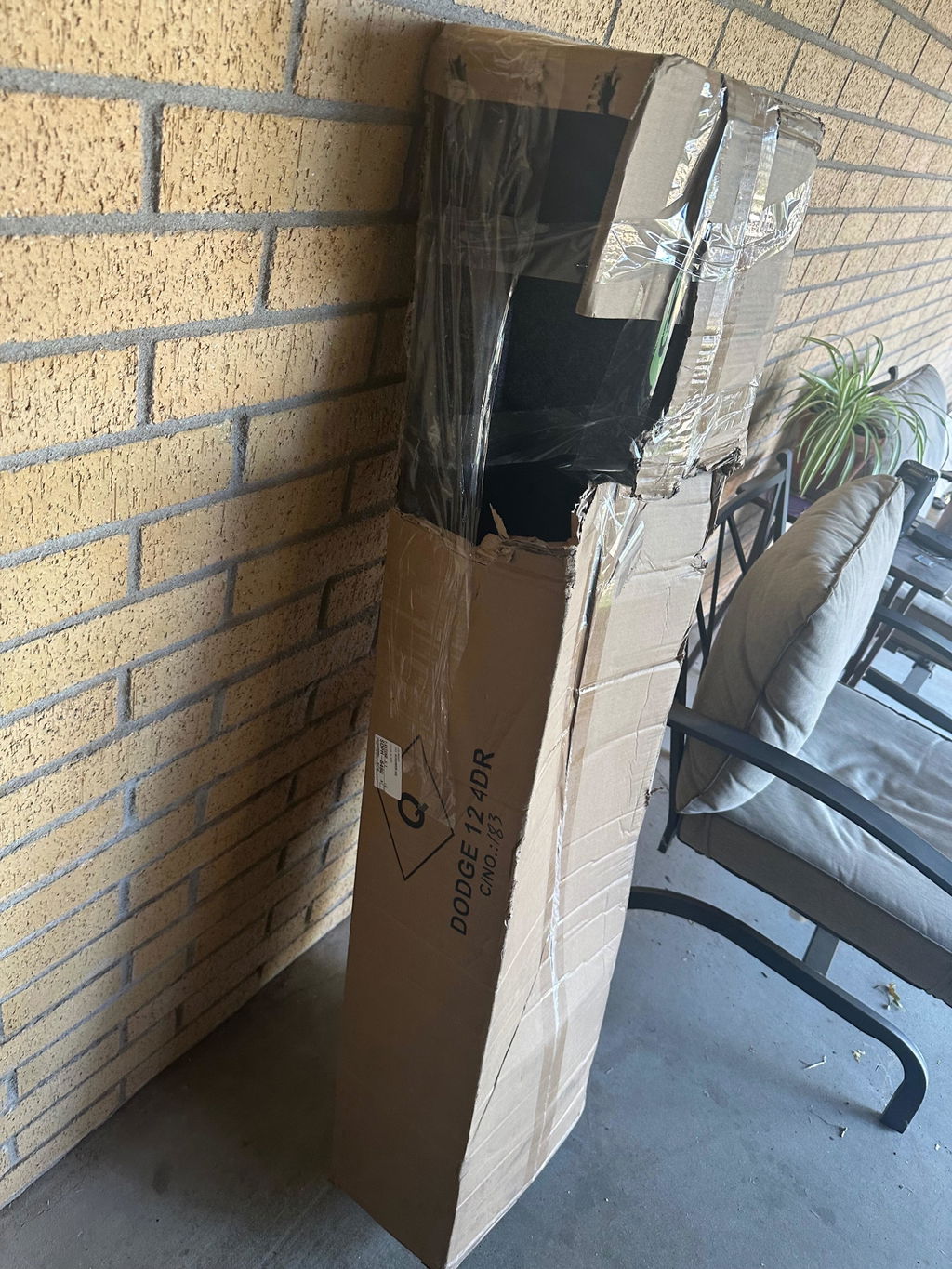
I would give 5 starts but the box came distorted and miss parts I was not happy
Nice copper SMD
Shipped fast and got exactly what I ordered.
Excelente producto...